Everything an injector needsin one app.
Map the face, calculate the dose, price the plan, and send your patient a professional summary — without leaving the treatment room.
Facial mapping
Drop pins directly on the face and record what goes where. Every pin carries a product, a dose, and a note — so the plan you build is a plan you can read back months later.
- Map on male or female templates, or import a photo of your patient and pin directly on it
- Switch to the X-ray view to plan against underlying anatomy
- Colour-coded pins by product, with a grid overlay for placement
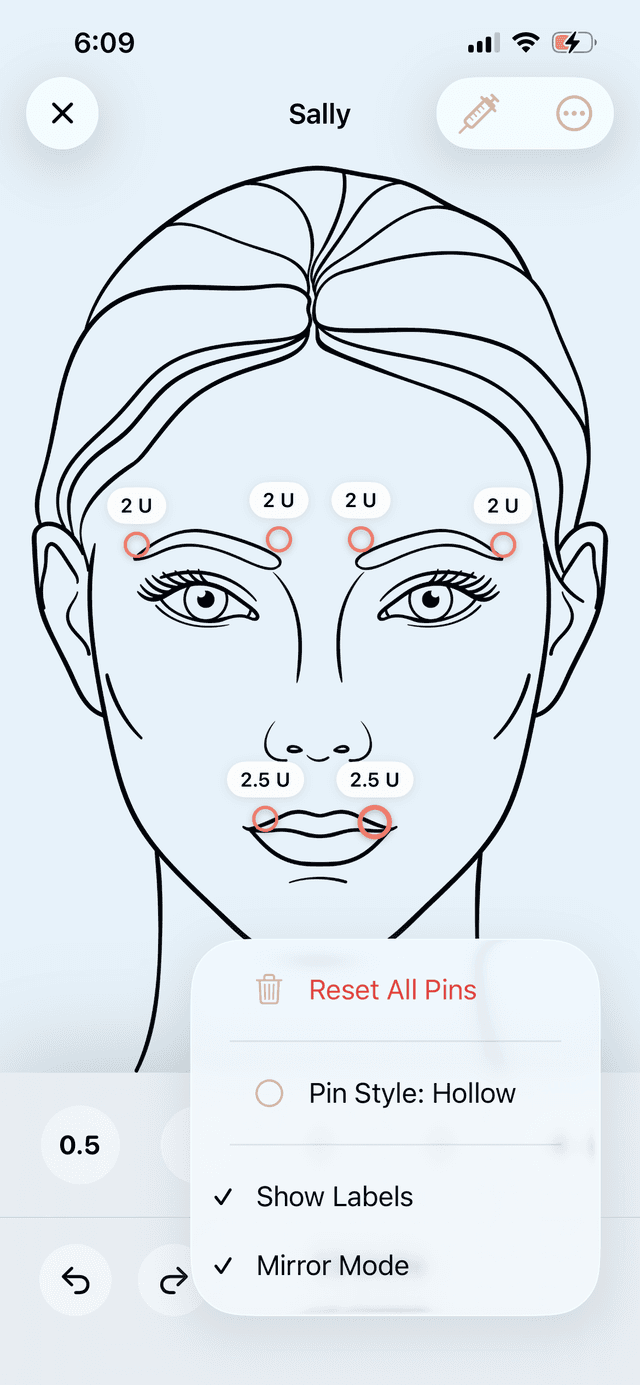
Mirrored placement
Faces are symmetrical; mapping them twice is wasted work. Place a pin on one side and the app mirrors it across the midline automatically — keeping both sides matched as you adjust.
- Automatic mirroring across the facial midline
- Midline detected from an imported photo, and adjustable by hand
- Break the mirror on any pin when the plan is deliberately asymmetric
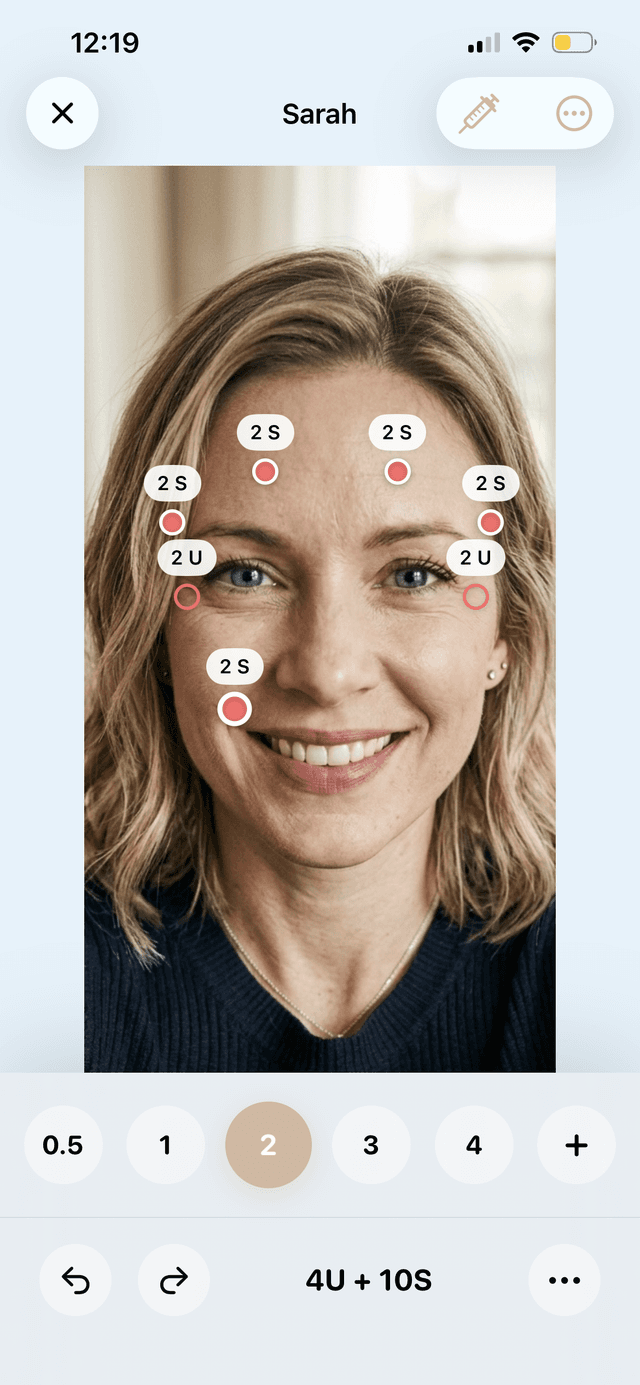
Dose, product, and price totals
Build your own product list — toxins in units, fillers in syringes — each with a colour, a cost, and your own default low, medium, and high doses. Totals update as you map.
- Total units, total syringes, and total cost calculated from the map itself
- Your own products, your own default dose ranges
- Price the plan while you build it, not at checkout
Dilution calculator
Pick your vial size, enter your saline volume, and get units per mL immediately — with a quick-reference table for the common dilutions so you can sanity-check at a glance.
- Vial size and saline presets, or enter your own
- Units per mL calculated instantly
- Quick-reference table across common saline volumes
Clients and session history
A client roster with contact details and notes, and every session dated underneath. Duplicate a previous session to start from last visit's map instead of a blank face.
- Sessions grouped under the client they belong to
- Duplicate a case to carry a previous plan forward
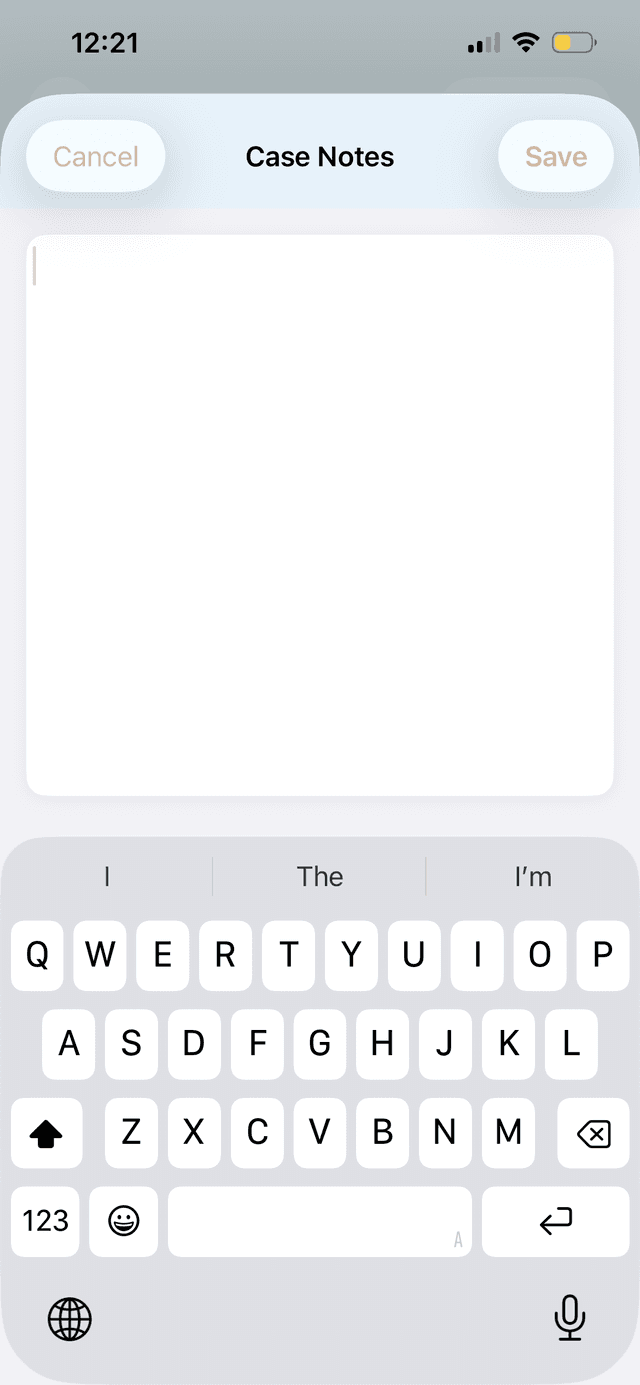
- Notes on both the client and the individual session
Branded plans you can send
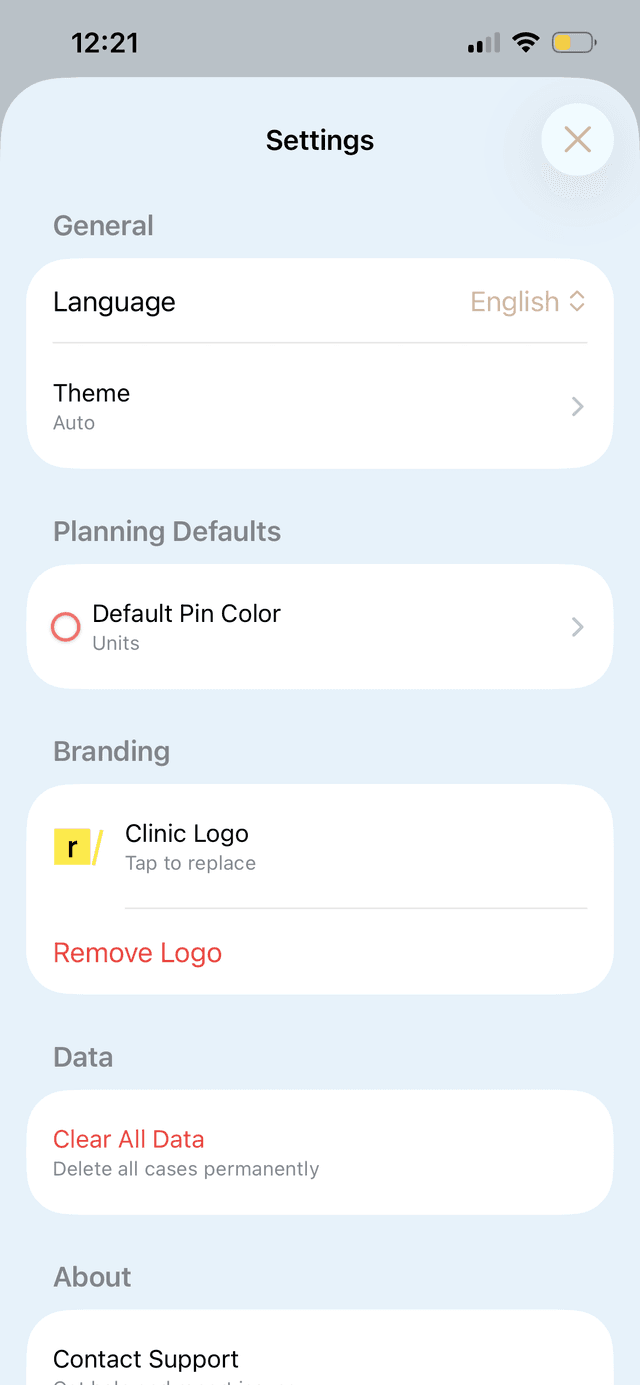
Export a clean treatment plan with your clinic logo and share it straight from the app — the patient gets something professional, not a screenshot of your working chart.
- Add your clinic logo and branding to every export
- Choose what the patient sees: pin labels, notes, total price
- Share from the app, or export a case file to move it between devices
New to treatment planning?
Our guides cover the workflow itself — how injectors structure a plan, map a face, and keep patient records that hold up.
Read the guides